Connectors Management
Docs
Getting Started
Layouts
Media
Modules
Scheduling
Displays
Users
Configuration and Organisation
Troubleshooting
- Modules
- Connectors
- Audio
- Calendar
- Clock
- Countdown
- Currencies
- Dashboard
- DataSet
- Embedded
- Emergency Alert
- Flash
- Google Traffic
- HLS
- HTML Package
- Image
- Local Video
- Mastodon
- Menu Board Category
- Menu Board Products
- National Weather Service
- Notifications
- PowerPoint
- Shell Command
- Stocks
- Ticker
- Video
- Video In
- Weather
- Webpage
- World Clock
On this page
Connectors Management
From the Connectors page under the Administration section of the main CMS menu, view all third party services which can be enabled and configured.
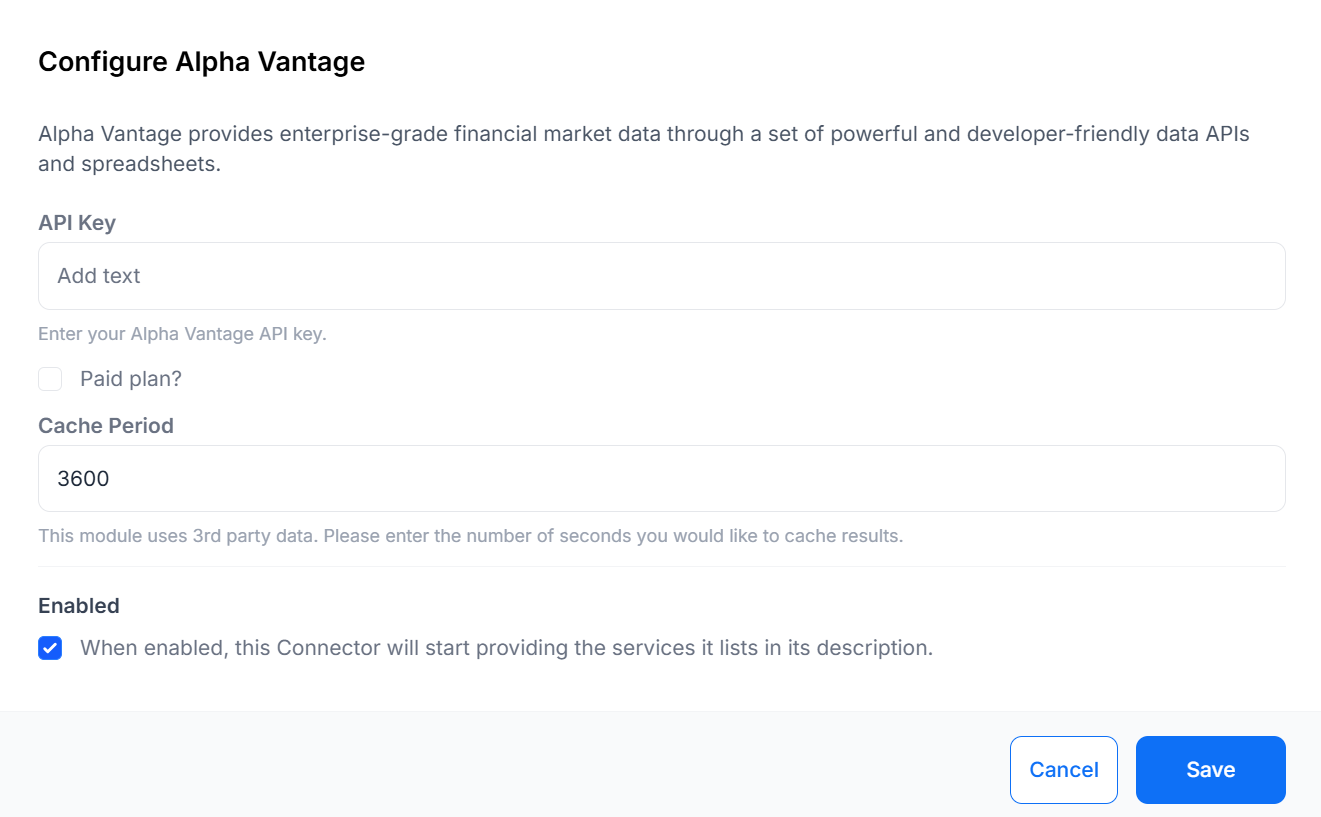
Click Configure for a Connector to Enable/Disable and to provide configuration options.
API keys are configured as part of the service for all modules that rely on a third party service.

You will need to create an account and obtain an API key for the third party service you wish to use and provide those details in the relevant Connector.