Dashboard Service
Docs
Getting Started
Layouts
Media
Modules
Scheduling
Displays
Users
Configuration and Organisation
Troubleshooting
- Modules
- Connectors
- Audio
- Calendar
- Clock
- Countdown
- Currencies
- Dashboard
- DataSet
- Embedded
- Emergency Alert
- Flash
- Google Traffic
- HLS
- HTML Package
- Image
- Local Video
- Mastodon
- Menu Board Category
- Menu Board Products
- National Weather Service
- Notifications
- PowerPoint
- Shell Command
- Stocks
- Ticker
- Video
- Video In
- Weather
- Webpage
- World Clock
On this page
Dashboard Service
The Xibo Dashboards Service is a commercial feature which allows Users to securely display dashboard services; Microsoft Power BI, Grafana and Matomo, on Layouts with automation and authentication handled by Xibo.
Please note: This commercial feature requires an API for configuration as further explained here.
Once the Connector has been configured, add dashboards to display in Layouts using the Dashboards Widget
Configure Connector
From the CMS:
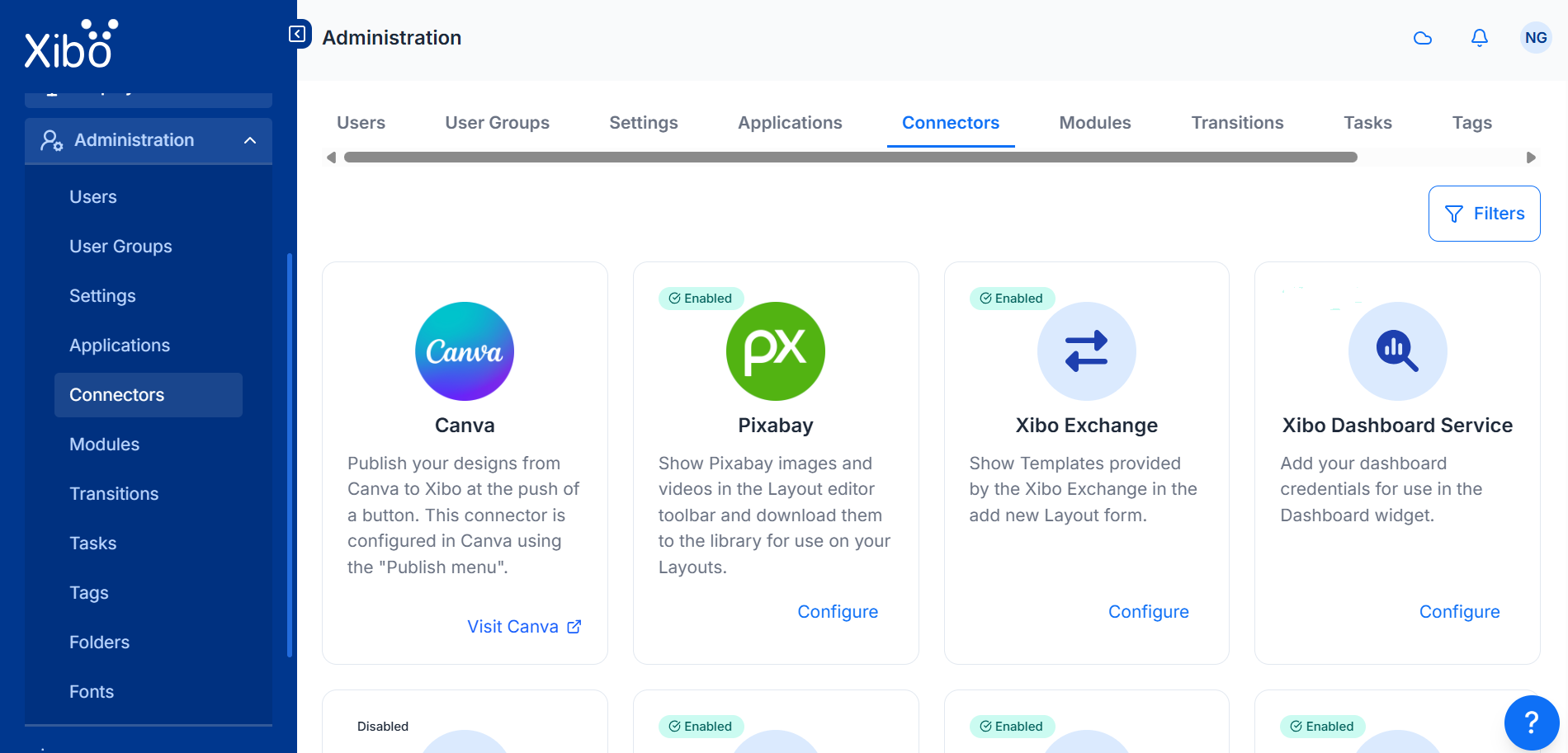
- Click on Connectors under the Administration section of the main menu
- Click the Configure button for the Xibo Dashboard Service connector
- Enter the API key you have been given (available in My Account)
Customers on a Business or Enterprise Plan will have their API key pre-filled!

- Tick to Enable to start providing the dashboard services
- Click to Save
- Click the Configure button again for the Xibo Dashboard service connector
- Using the Credentials section of the form, select the dashboard service(s) you wish to use
Enter the following credentials:
- Username
- Password
- Two Factor Secret (if required)
- URL (if required)
Grafana does not support multi factor authentication, so please leave the Two Factor Secret field empty when configuring this integration.
Please see the following page for further information on obtaining a URL to use with this service, supported authentication mechanisms and possible limitations Xibo Dashboard Service
- Click to Save and wait a few moments whilst those credentials are successfully registered.
Your Dashboard is ready to be added to Layouts using the Dashboard Widget