Our documentation is moving to a new home at docs.xibosignage.com as we make some improvements.
Go check out the enhanced search features and visit our brand new knowledge base.
The move for developer and administration docs will be happening over the next few weeks as we keep building things out for you.
Request Player Status via CMS - Logged in Players only
If your Players are connecting to the CMS and showing as logged in then follow the steps on this page to request the Player Status via the CMS.
If your Players are not connecting to the CMS, use the steps here.
CMS v3.0.0 and later
Request Screenshot Player Status Logs
Available from CMS: 3.0
R54
R202
R252
R205
Request Screenshot Player Status Logs
3.0
Cloud
R54
R202
R252
R205
Go to the Displays grid.
Use the row menu for the Display and select Request Screenshot.
Click on the available thumbnail to show status info:
Take a screenshot and send it to us.
CMS earlier than v3.0.0
Use the Request a Screenshot feature from the Displays page in the CMS:
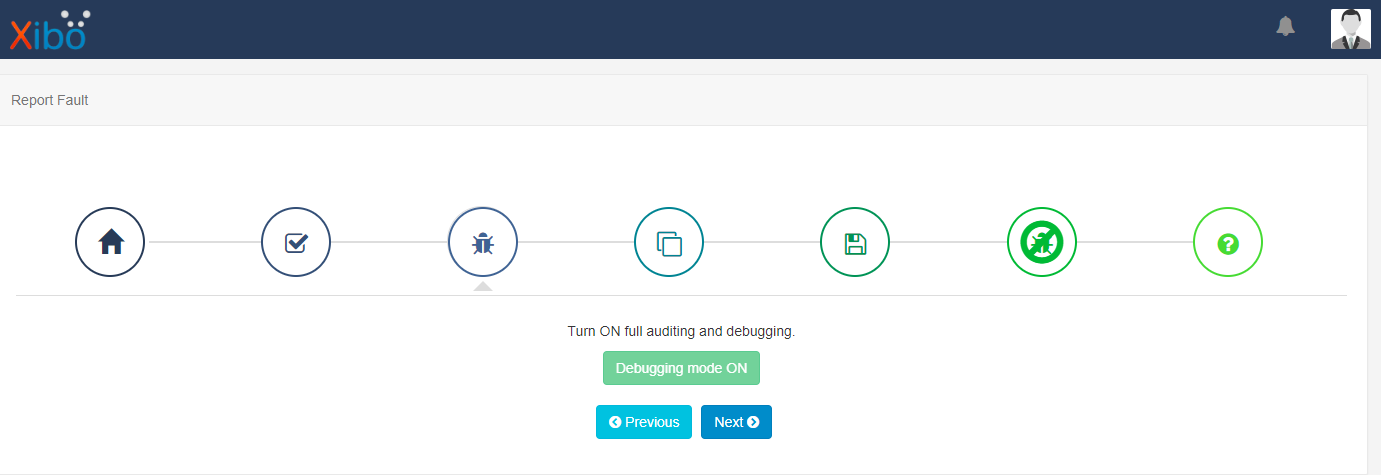
Firstly, navigate to the Report Fault page under the Advanced section of the CMS menu and click on the Start button, click Next and Turn ON Debugging
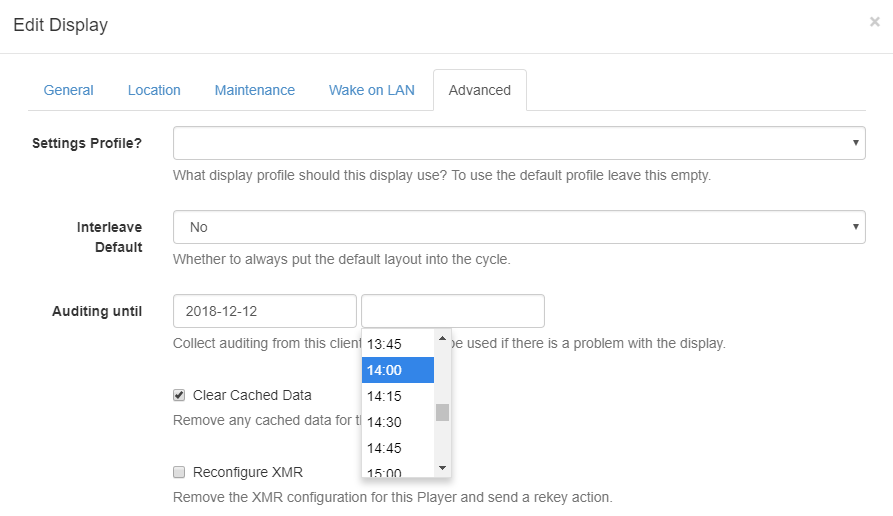
Once Debugging mode is on , navigate to the Displays page under the Displays section of the menu on the CMS and use the row menu for the selected Display, click Edit.
Click on the Advanced tab and enter a sensible date and time in the future (such as an hour if you are not trying to catch an intermittent problem) and Save.
Check the current CMS time by clicking on the top right Avatar!
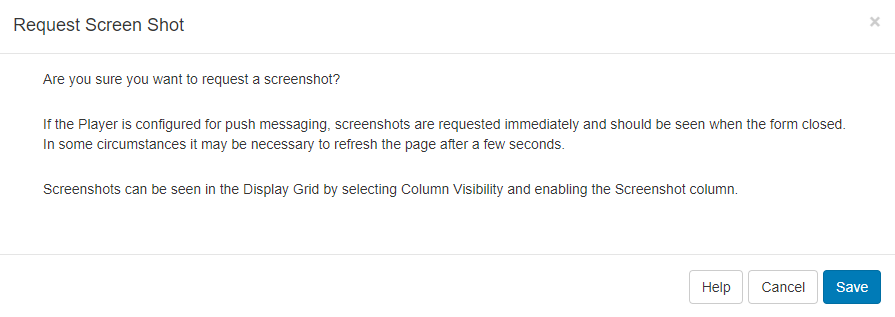
Now use the row menu for the selected Display to Request Screenshot , Save.
Screenshot / thumbnail columns are automatically enabled when requesting screenshots from version 1.8.12.
By requesting a screenshot from a Display with ‘auditing’ enabled, you are also requesting an additional log message that will contain status information to be sent.
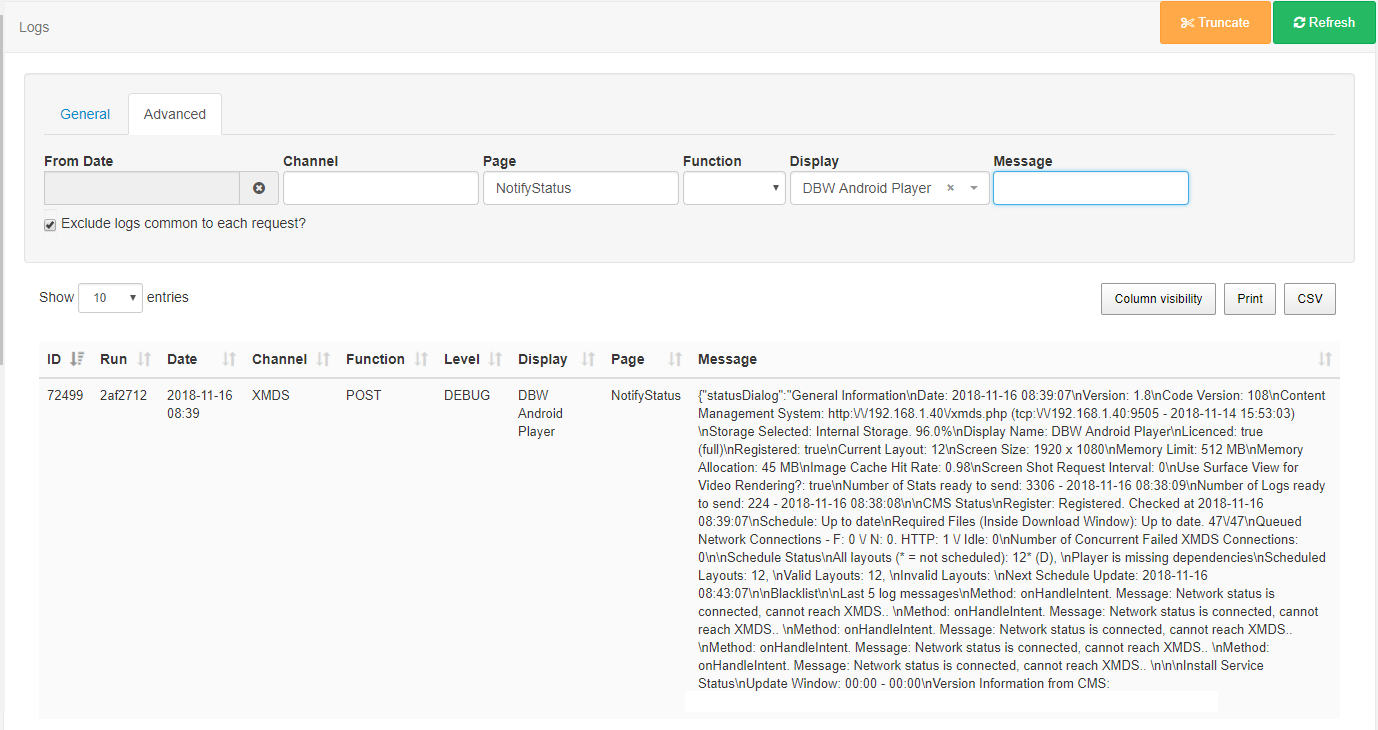
Go to the Log page under the Advanced section of the CMS Menu and click on the Advanced tab.
Use the Display drop down menu to select your Display.